Markdown to Word
Write or paste Markdown and download a Word document with its headings, lists, tables, code, task boxes, formulas as Word equations and Mermaid diagrams as pictures.
What you get
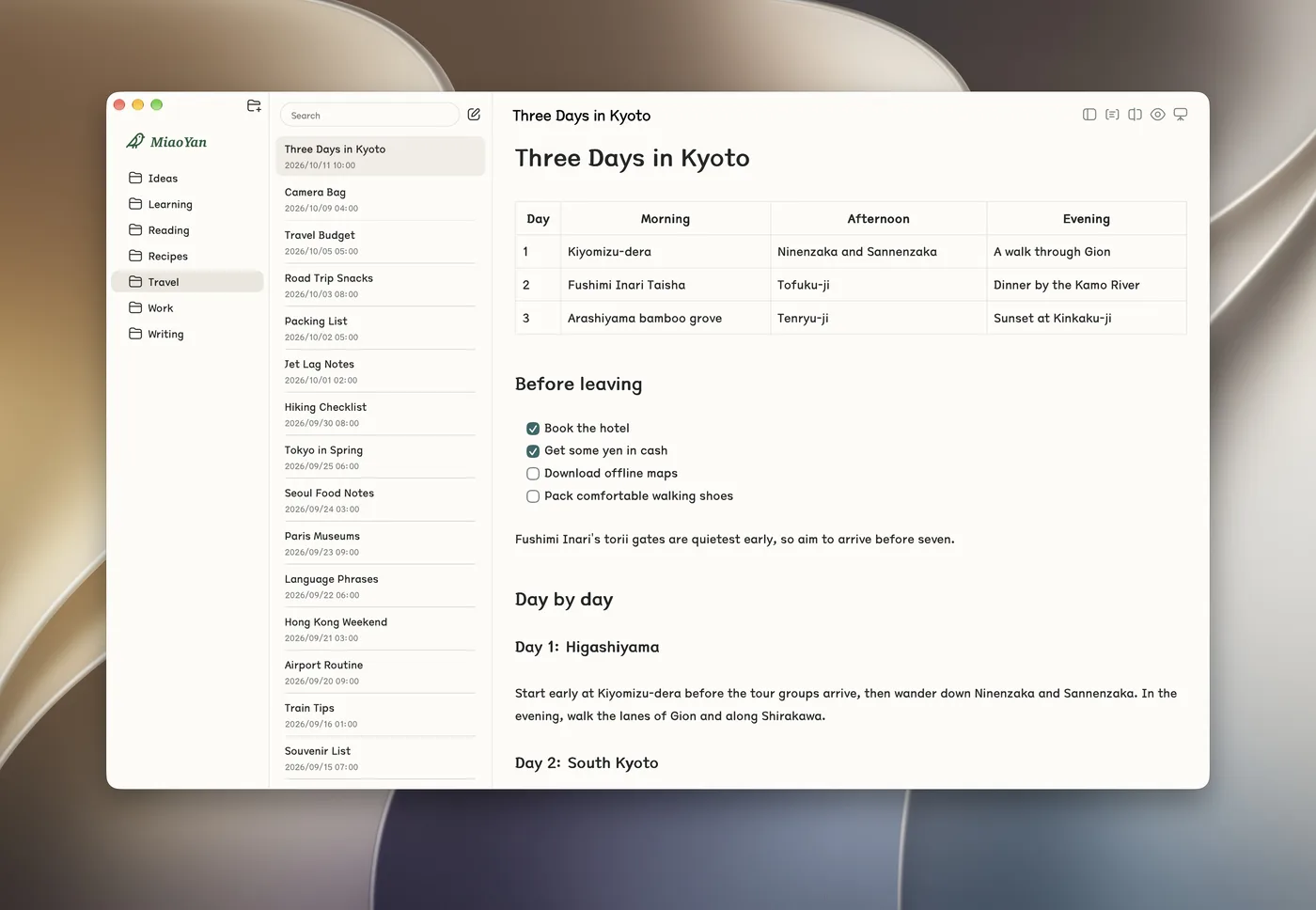
Write or paste Markdown on the left, the right lays it out in MiaoYan's preview styling as you type, and Download Word saves a .docx that looks like it: headings, bold, italic and strikethrough as they are, nested lists as Word lists, tables with their borders, code blocks with their indentation and highlight colours, task lists as checkboxes you can tick in Word, and links you can click. Formulas become Word's own equations, still editable once the file is open, and Mermaid diagrams become pictures at twice their size. The English page uses US Letter with one-inch margins and sets the text in Helvetica Neue, which Word replaces with one of its own fonts on Windows.
You can also open a .md file or drop one on the page. The shortcuts are MiaoYan's, ⌘B bold, ⌘I italic, ⌘K link and ⌘S to save the Markdown, and the last text you wrote stays in this browser.
FAQ
Can Word build a table of contents from it?
Yes. Headings use Word's own Heading 1 to Heading 6 styles, so Insert Table of Contents works straight away and the navigation pane lists them.
Can I edit the formulas in Word?
Yes. They are Word's own equations, not pictures, so you can click into one and change it. A formula on its own line is centred, and an inline one runs with the text.
Why are some pictures missing?
Pictures from the web are downloaded by your browser and put in the document. A site that does not let other pages read its pictures, and a local path such as images/a.png, cannot be included; the status line says how many were left out, so you can insert them in Word.
Is my document uploaded?
No. The .docx is made in your browser and nothing is sent to a server; only the web pictures in the text are downloaded from their sites.
Will it open in apps other than Word?
Yes, it is a standard .docx, and its headings, lists, tables, checkboxes and formulas were checked in LibreOffice. Some apps handle equations and checkboxes less fully than Word.
Write it in MiaoYan
MiaoYan is a Markdown notebook for Mac, iPhone and iPad that keeps every note as a plain .md file, and this page lays a note out with its preview stylesheets before it goes into Word.
View in App Store