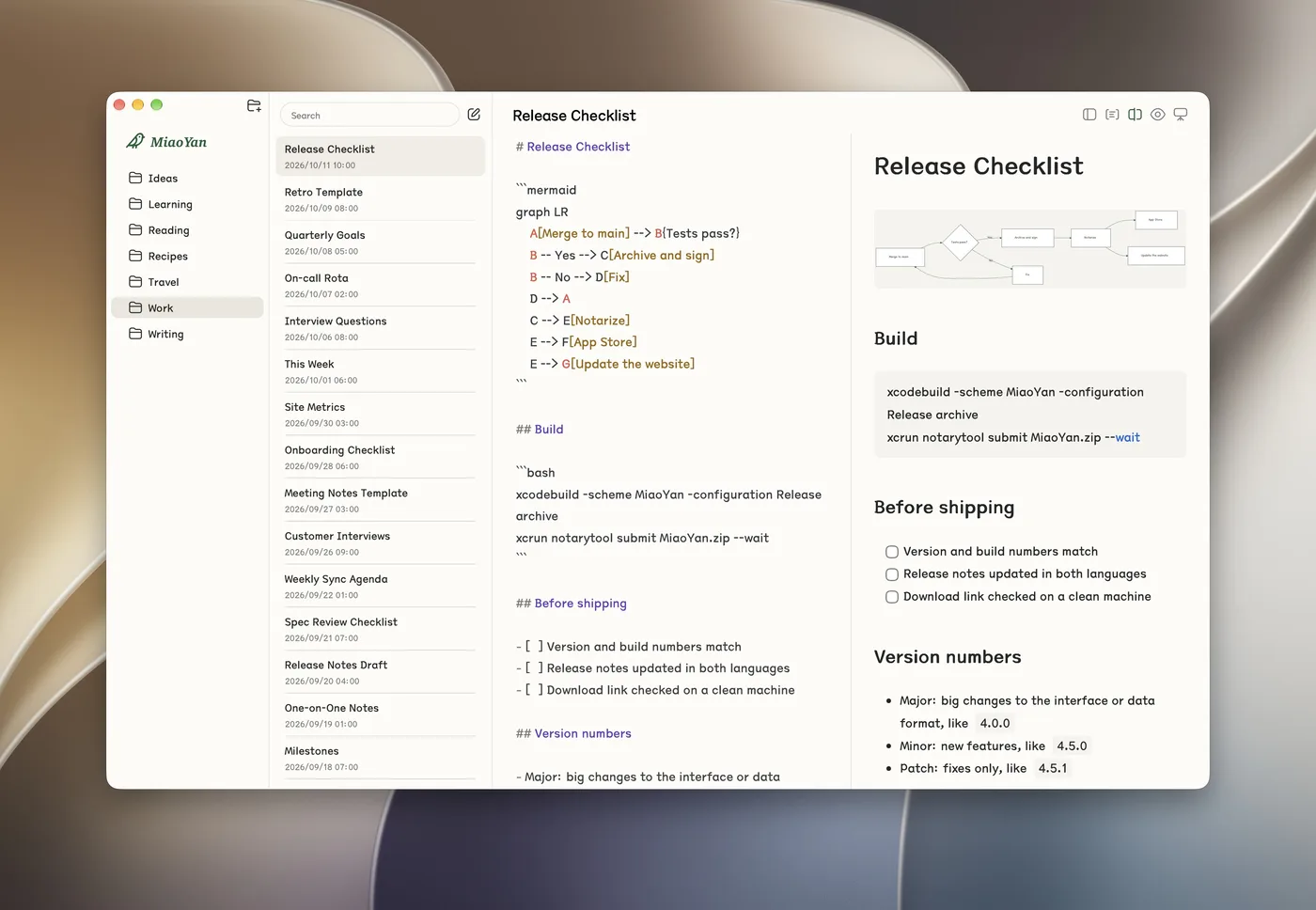
Markdown Slides
Write slides in Markdown with --- between them and watch the deck MiaoYan's PPT mode draws as you type, then present it full screen or save it as a PDF.
What you get
Write Markdown on the left with --- on a line of its own between slides, and the right draws the deck as you type, with the same reveal.js and light and dark themes as MiaoYan's PPT mode, turning to whichever slide the cursor is on. Headings, lists, tables, pictures and links are written as Markdown, code blocks are highlighted by language, line numbers such as [1|2-4] after the language light those lines up a step at a time when you present, and math in $...$ and $$...$$ is set by KaTeX. A slide holding a single thing is centred, and a slide too long for the page gets narrower margins and scrolls.
To change the transition or show slide numbers, put a comment such as <!-- transition: fade --> at the top of the text, its keys the same as reveal.js config options. A slide takes a background with <!-- .slide: data-background="#F8CB9E" -->, and a line appears on its own step with <!-- .element: class="fragment" --> at its end.
Present plays the deck full screen, the arrow keys or Space turn the page and Esc leaves, and Save as PDF puts one slide on each page. You can also open a .md file or drop one on the page. The shortcuts are MiaoYan's, ⌘B bold, ⌘I italic and ⌘S to save the Markdown, The font picker offers the system font, Songti, Kaiti and Georgia, listing only the ones this computer already has. Your text, the dark switch and the font stay in this browser, so they are there next time, until you switch browsers or clear the site's data; download the Markdown to keep it for good.
FAQ
How do I start a new slide?
A line holding only --- starts the next slide, with or without blank lines around it. A --- line inside a code block splits the slide too, as it does in the MiaoYan app; write it as - - - where code needs that line.
Can I save it as PowerPoint?
Not as a .pptx. This is a web deck, and it saves as a PDF, which Preview or Acrobat can also play full screen a page at a time; a .pptx would have to be laid out again in PowerPoint.
How is it different from presenting in the MiaoYan app?
The layout and themes are the same, with three differences: here the deck is a fixed 16:9 that scales to the screen, where the app fills its window; here the font comes from the few your computer ships with, where the app uses whatever preview font you chose in its settings; and Mermaid diagrams, which the app draws, show here as code.
Is my text uploaded?
No. The deck is built and played in your browser and nothing is sent to a server; only the web pictures in the text load from their sites.
Present it from MiaoYan
In MiaoYan for Mac, a Markdown notebook, a note with --- between its slides plays as this same deck with Option-Command-P, in the app's light or dark theme.
View in App Store