Markdown Table Generator
Edit a table, or paste cells from Excel, Google Sheets, a CSV or a Markdown table, and copy the Markdown with its columns lined up.
| Task               | Owner | Hours |   Status    |
| ------------------ | ----- | ----: | :---------: |
| Write the outline  | Ana   |     3 |    Done     |
| Draft the chapters | Ben   |    12 | In progress |
| Copy edit          | Chloe |     5 |    Next     |
What happens when you paste
Copy cells in Excel, Numbers or Google Sheets, click the first cell of the grid and paste, and the whole table becomes what you copied. Paste into a cell further in and it fills right and down from there, adding rows and columns as needed, and Undo takes it back. CSV and TSV files can be dropped onto the grid, and an existing Markdown table pasted in brings its column alignment with it.
Markdown tables have limits of their own, so a line break inside a cell becomes <br>, a pipe is escaped as \|, and a merged cell is split, with its content in the first cell. The first row is always the header. The syntax is covered in Markdown tables: alignment, pipes and line breaks, and other ways to convert a sheet in Excel to Markdown table: paste, convert and check.
FAQ
How large can a table be?
The grid holds up to 500 rows and 30 columns. When a paste from Excel or a CSV file is larger, the extra rows and columns are left out and the status line says so.
Why do Chinese and Japanese characters count as two?
Terminals and Prettier count a CJK character as two columns wide, and the padding here does the same, so the pipes line up in a font where a CJK character is exactly two Latin characters wide. Turn off Line up columns for the compact form without padding.
Can I merge cells?
Markdown tables cannot merge cells, so merged cells you paste are split, with the content in the first one. When a merge is essential, write an HTML <table> in the note and use colspan and rowspan.
Is my table saved?
Your last table stays in this browser for the next visit, until you switch browsers or clear the site's data. Pasted data is converted in your browser and never sent to a server.
Paste the table into a note
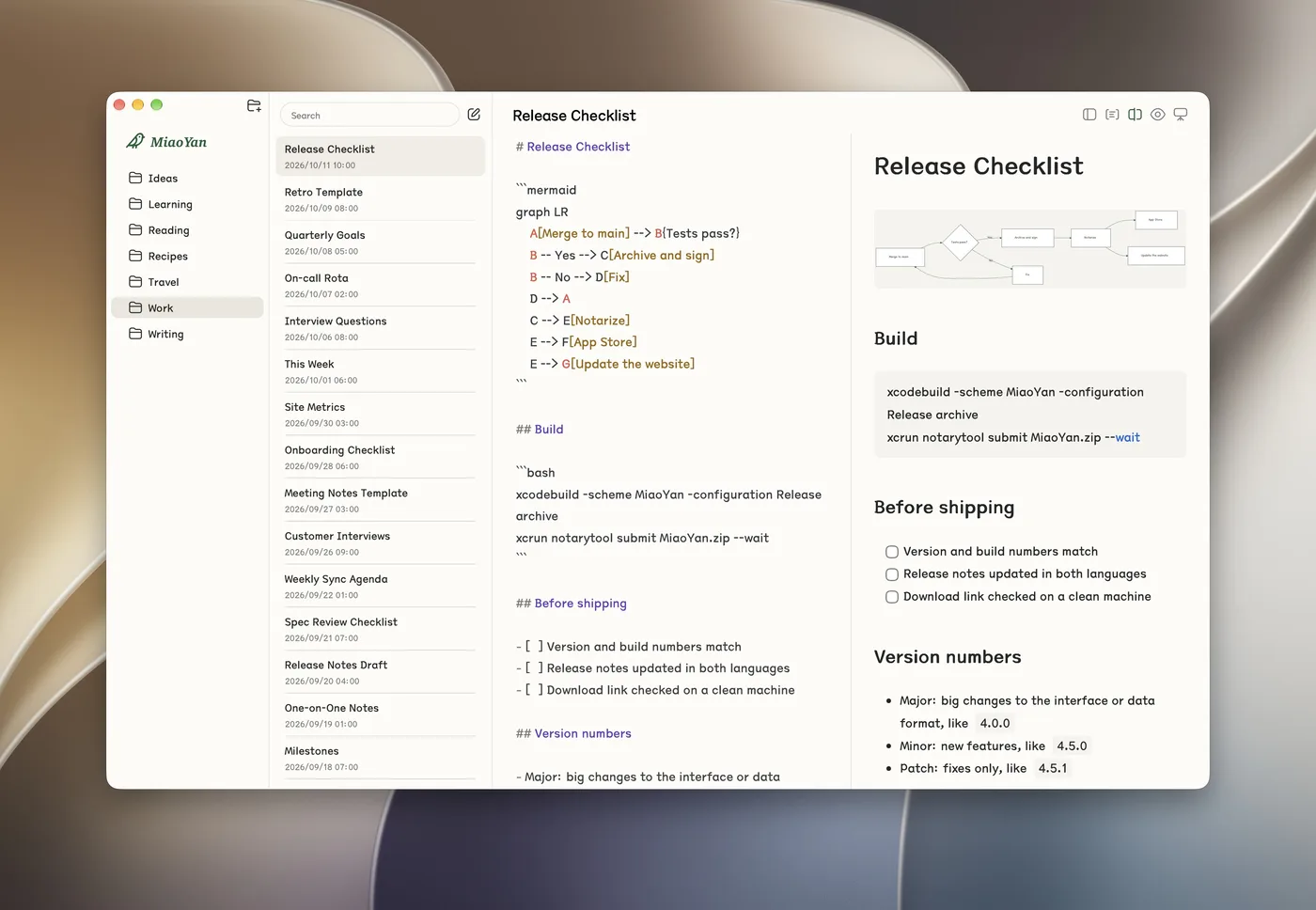
In MiaoYan, a Markdown notebook for Mac, iPhone and iPad, the note's preview shows this Markdown as a table. On the Mac, a table copied from a web page is written as Markdown when you paste it.
View in App Store