Learn Markdown
26 levels, one way of writing in each: make your text draw the same as the goal and the level is done.
Level 1 Headings
Start a line with # and a space and it becomes a level 1 heading, usually one per note. Make the line below a level 1 heading.
Put a space between # and the text.
Markdown
Preview
Goal
0 of 26 done
All 26 levels done
That is the Markdown you will use day to day. Write your notes in MiaoYan, or take a note further with Markdown to image and Markdown slides.
What the 26 levels cover
They start with the everyday marks, headings, bold and lists, go on to tasks, quotes, tables and code blocks, and end with what MiaoYan draws for you, formulas and Mermaid diagrams. Each level teaches one way of writing, each chapter closes with a review that puts it together, and the last level lays out a whole note. Here is every level's Markdown, for when you forget one.
| Markdown | For |
|---|---|
# Heading | Headings |
## Subheading | Subheadings |
| A blank line between paragraphs | Paragraphs |
**bold** | Bold |
*italics* | Italics |
~~struck~~ | Strikethrough |
`code` | Inline code |
[text](https://…) | Links |
- Item | Lists |
1. Step | Numbered lists |
- Sub-item | Nested lists |
- [ ] Task | Task lists |
> Quote | Quotes |
--- | Dividers |
```python | Code blocks |
| A | B | | Tables |
| :---: | ---: | | Column alignment |
 | Images |
\* | Escaping |
$a^2$ | Formulas |
$$ | Display formulas |
```mermaid | Diagrams |
FAQ
When is a level done?
When your preview draws the same as the goal. The result is compared, not the text, so *italics* and _italics_, or lists started with - and *, both count; the words have to match the goal.
Is my progress saved?
Yes. The levels you finished and what you wrote in each stay in this browser, so you can pick up where you left off. Another browser, or clearing the site's data, starts from the beginning.
What if I get stuck?
Try the hint first. The tinted blocks in the preview are the ones that still differ from the goal. If you still cannot see it, show the answer, then start over and write it yourself.
Does this Markdown work in MiaoYan?
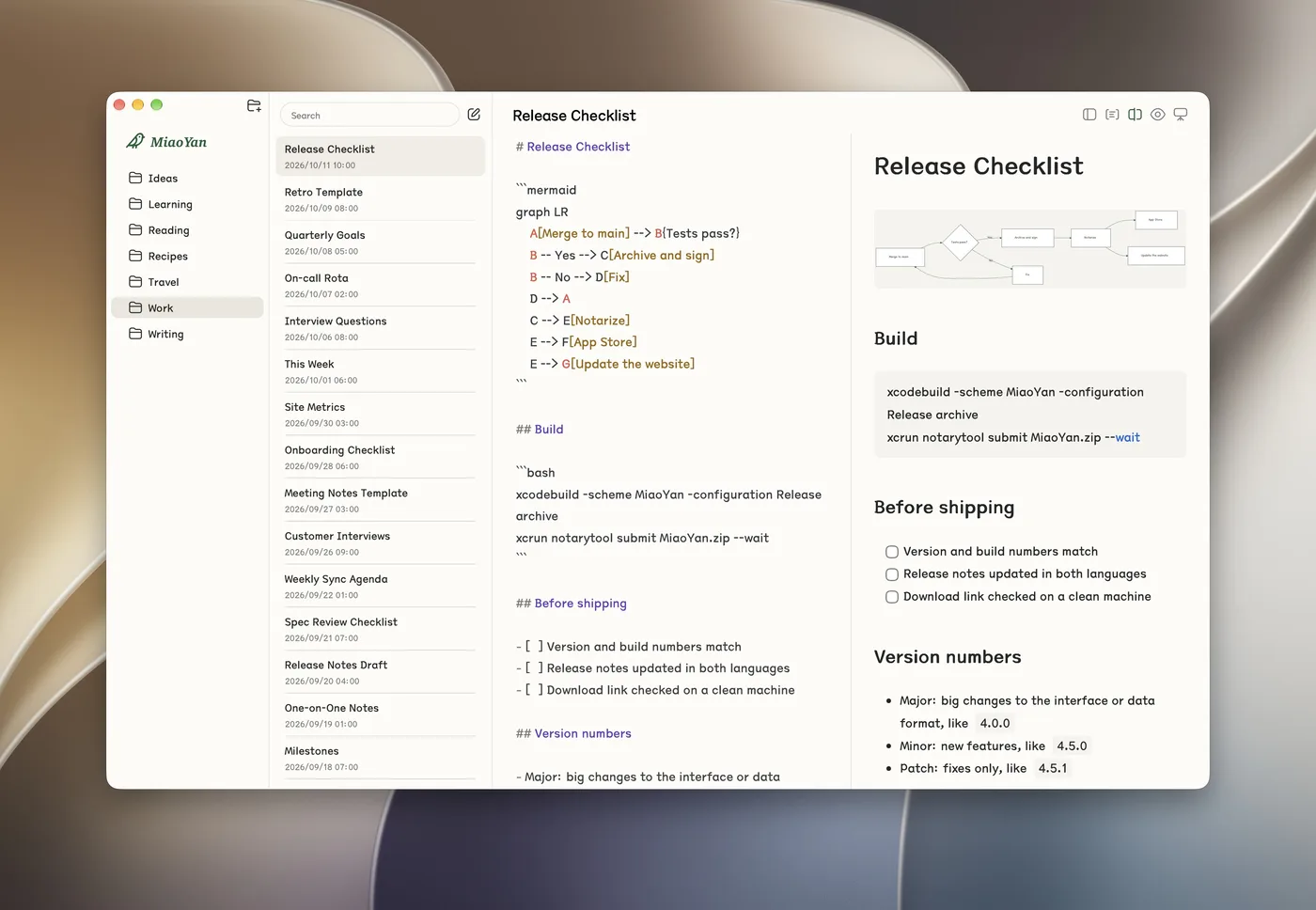
Yes. The preview is MiaoYan's own, formulas and Mermaid diagrams are drawn in the app the same way, and in MiaoYan's slides --- also starts the next slide.
Keep writing in MiaoYan
Every level draws in MiaoYan's own preview, so the notes you write in the app look the same, with formulas and diagrams too.
View in App Store