MiaoYan語
Local Markdown notes on Mac, iPhone and iPad
MiaoYan is 妙言 in Chinese, words beyond words.
- One purchase for Mac, iPhone and iPad
- Local Markdown files
- Free and open source on Mac
- macOS 12 / iOS 18+
Write, read and present
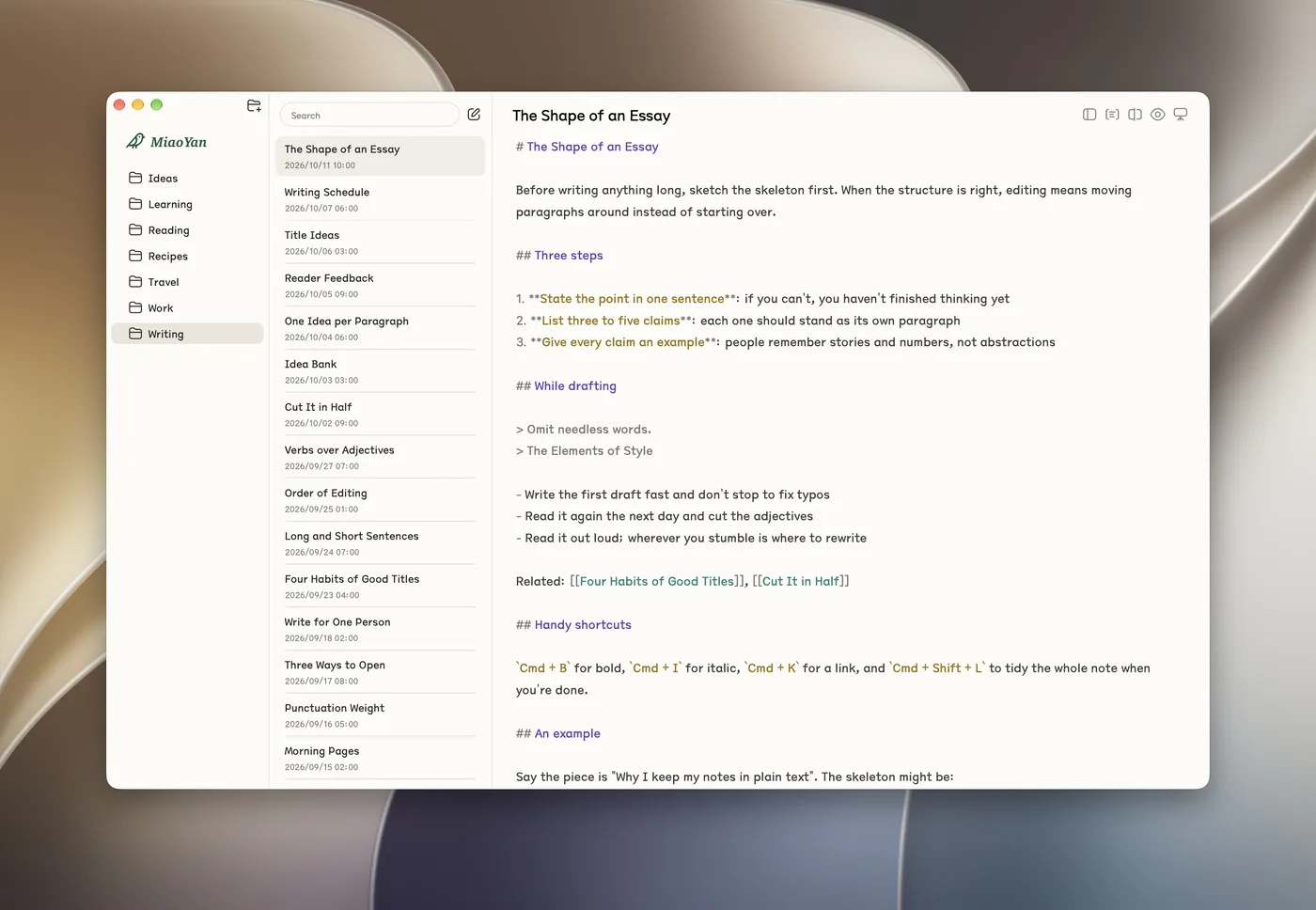
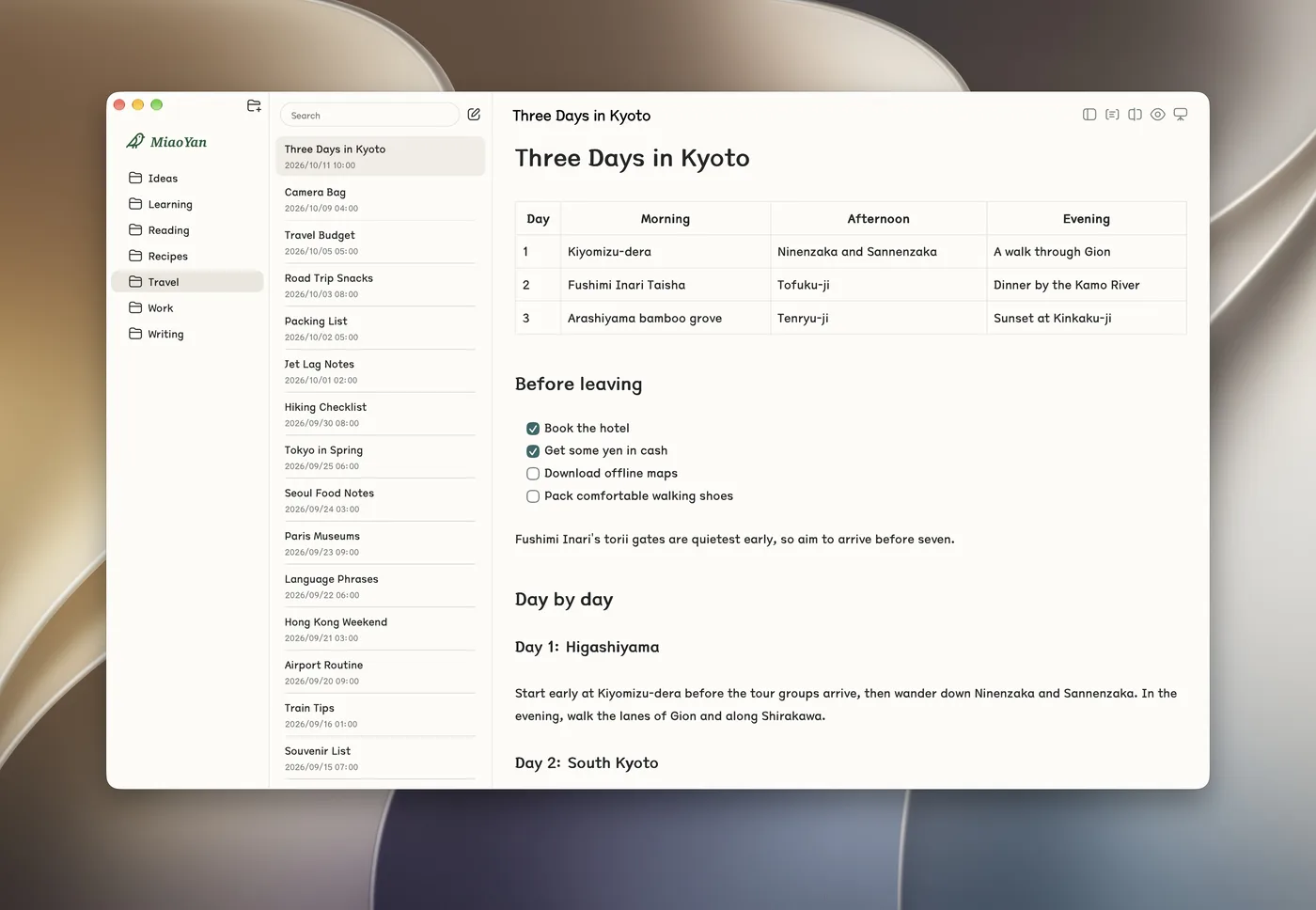
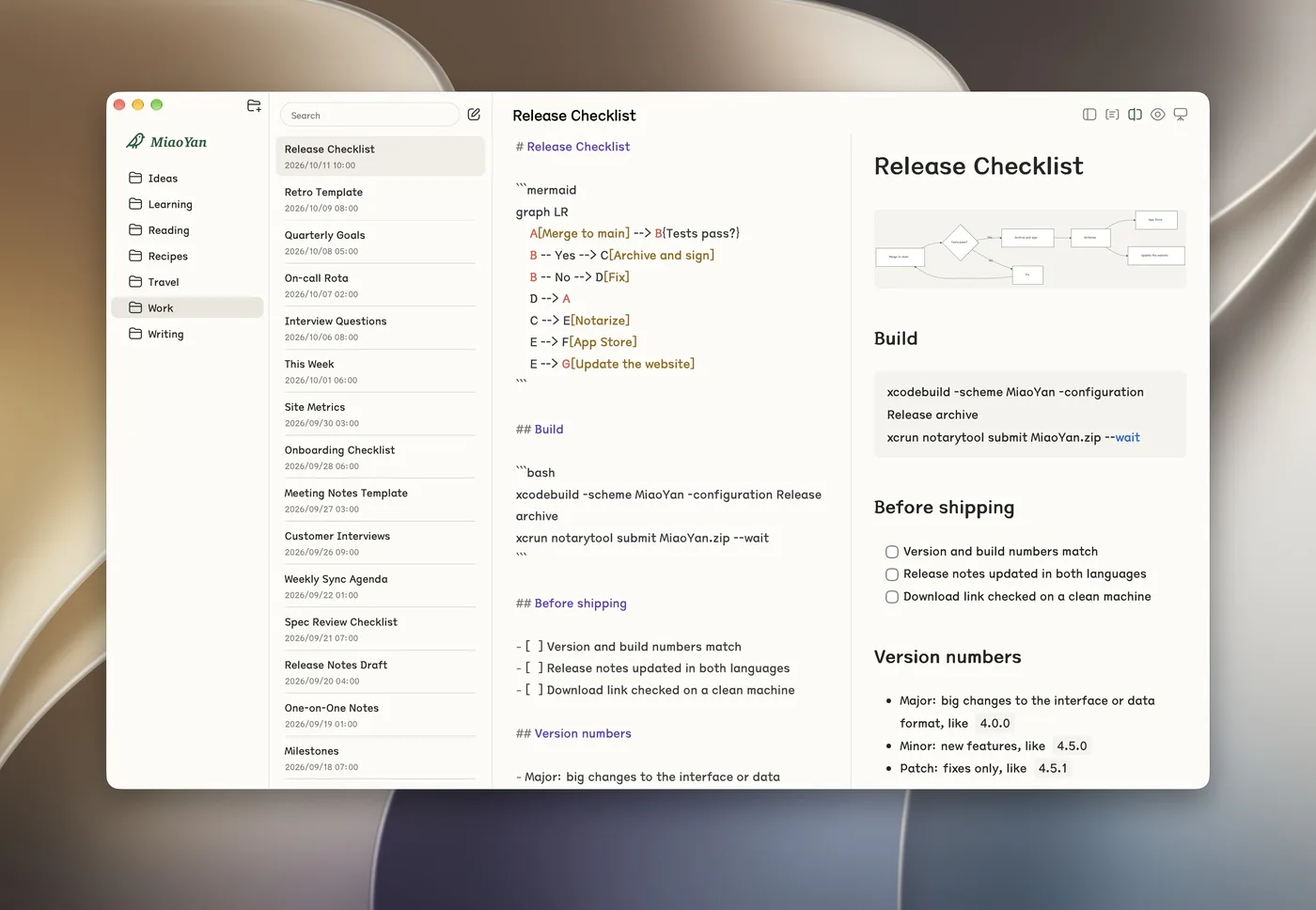
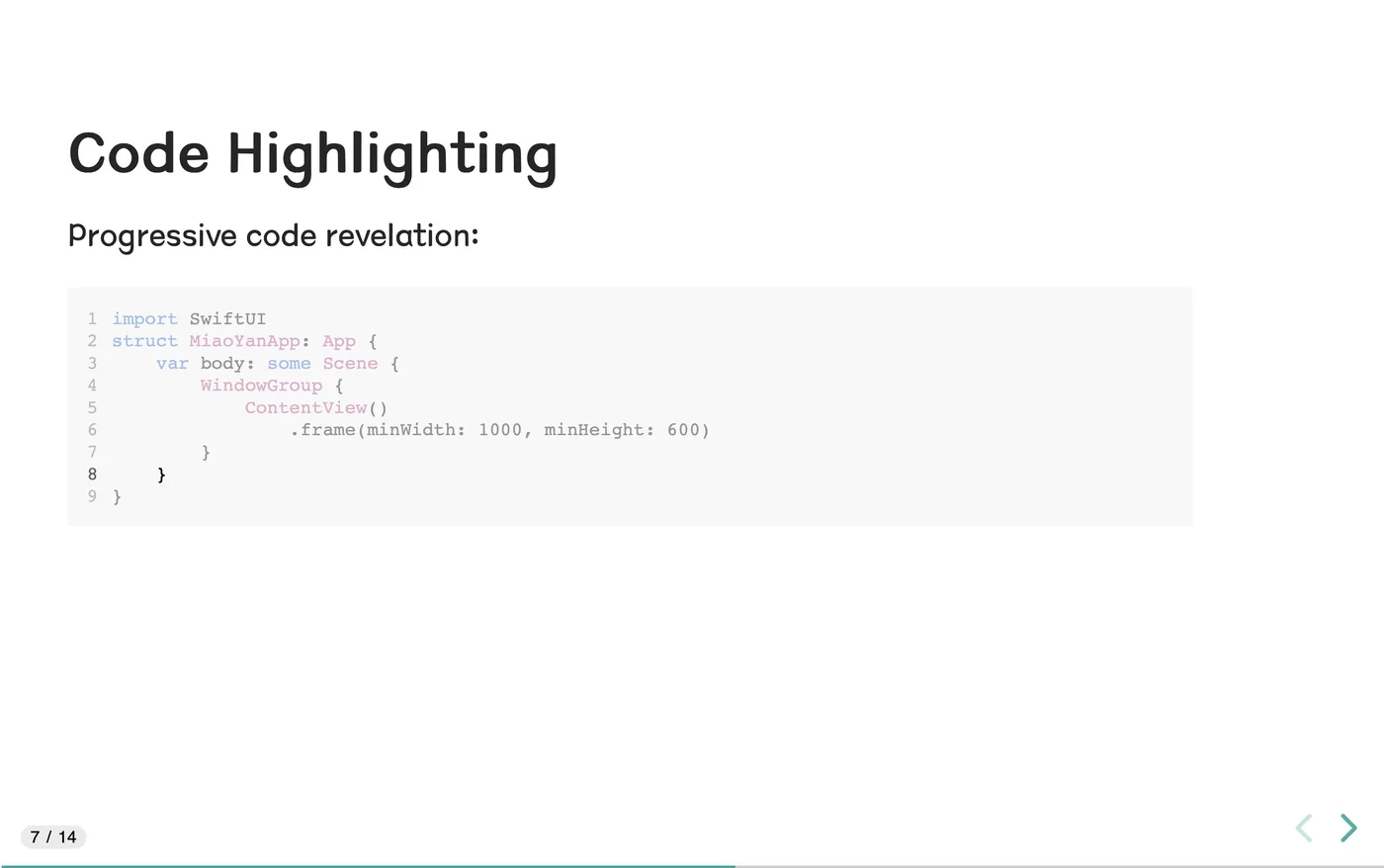
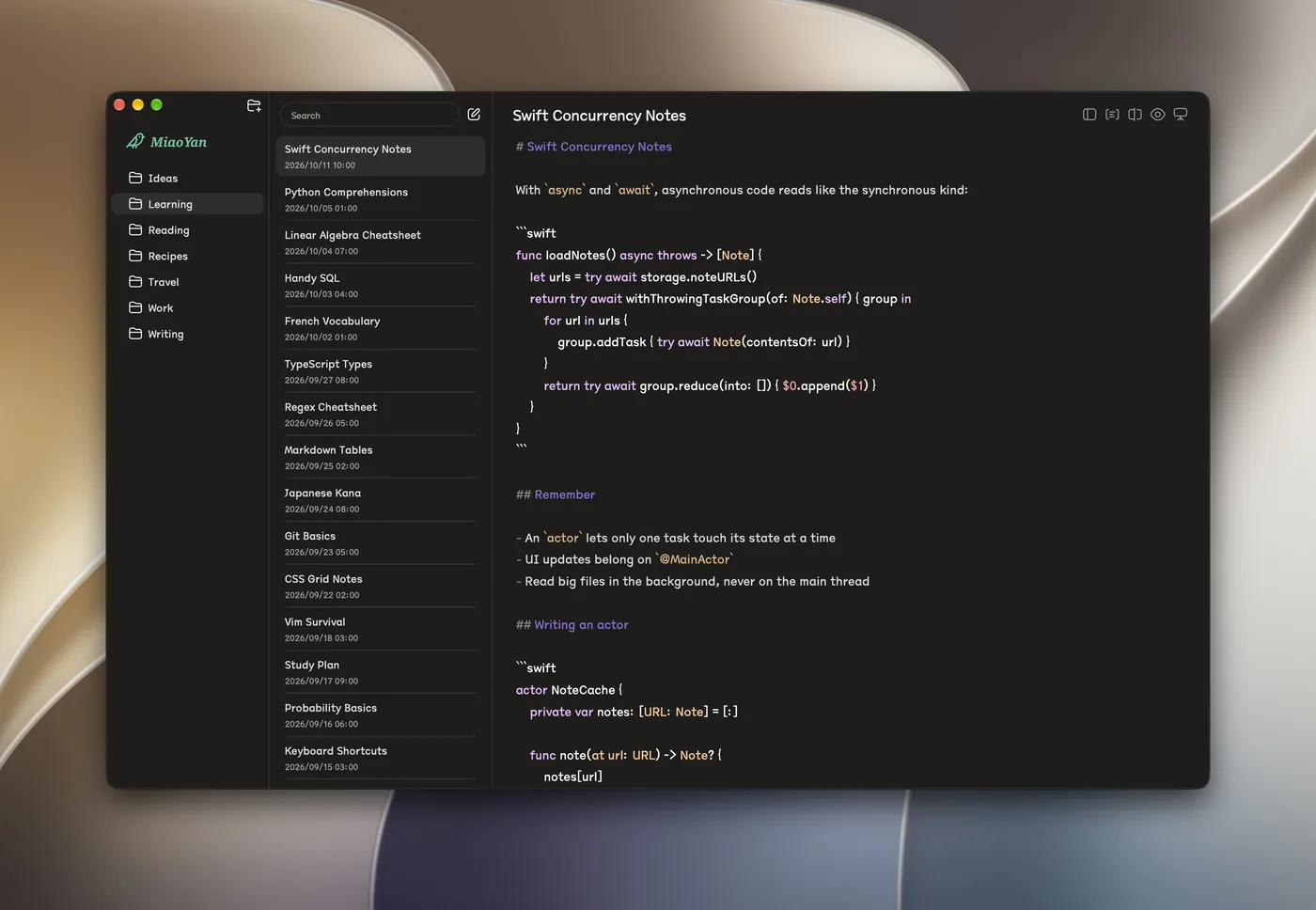
Edit plain Markdown, switch to a typeset preview, work side by side, or turn a note into slides.
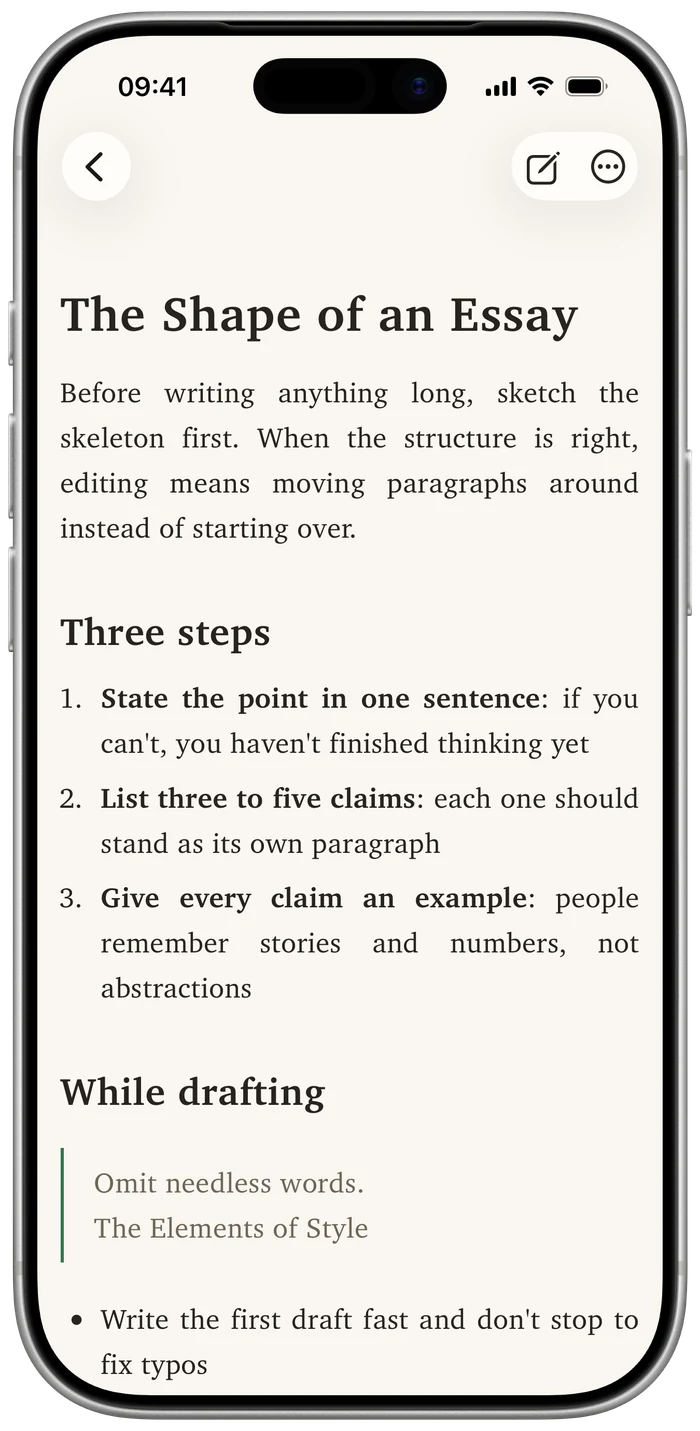
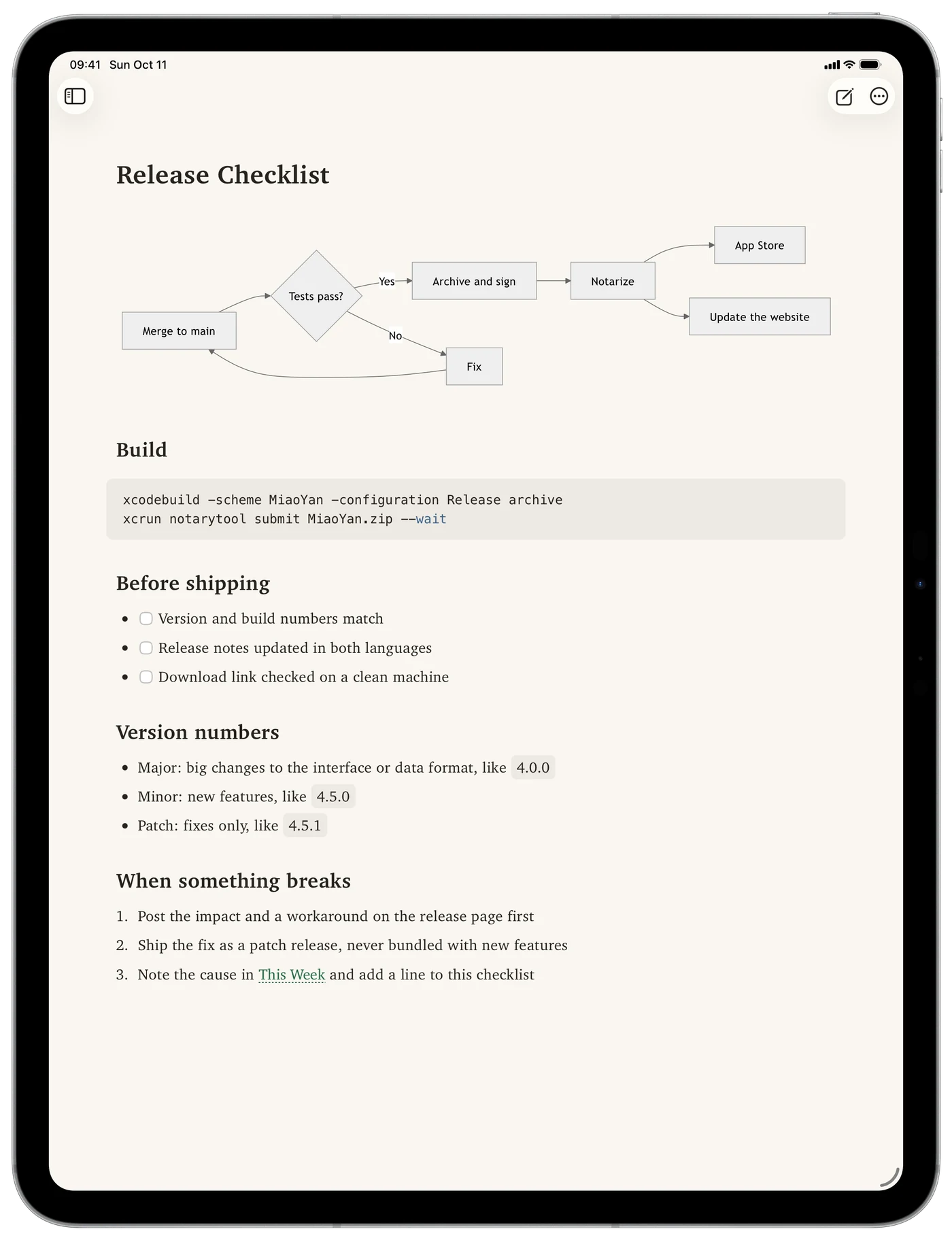
On iPhone and iPad
The same App Store purchase runs on iPhone and iPad, opening the same iCloud Drive folder as your Mac.
Why MiaoYan
Local-first
Your Markdown files stay in a folder you choose. MiaoYan does not collect note data; iCloud Drive, Nutstore, or another file-sync client can handle cross-device sync.
Focused
A clear three-column layout keeps folders, notes, and writing together. Dark mode, distraction-free writing, and keyboard shortcuts are built in without a plugin system to maintain.
Native
Built natively with Swift 6 instead of Electron. Split mode pairs real-time preview with 60fps bidirectional scroll sync.
Capable
Wikilinks and backlinks, LaTeX, Mermaid, version history, auto-formatting, a CLI, and Markdown presentations cover the work around writing.
Who MiaoYan is for
Compared with Typora
MiaoYan keeps pure Markdown editing and a separate preview instead of WYSIWYG. It fits people who want direct control of source files with immediate visual feedback.
Compared with Obsidian
MiaoYan has no Electron runtime and is not centered on a plugin ecosystem. It fits people who prefer a native, lightweight app with local files and focused built-in features.
Questions
Is it a one-time purchase or a subscription?
A one-time purchase with lifetime access, no subscriptions or in-app purchases. One purchase covers your Mac, iPhone and iPad on the same Apple account.
What's the difference between the open-source and App Store versions?
The Mac app is free and open source: install it with Homebrew or download it from GitHub Releases. The iPhone and iPad apps aren't open source, so they ship on the App Store together with the Mac app. One purchase covers all three, they open the same iCloud Drive folder, and updates arrive on their own. If you only write on a Mac, the open-source version is enough; to keep writing on iPhone and iPad, get the App Store version.
Where are my notes stored?
In the folder you choose, as plain .md files. MiaoYan does not collect note data, and if you ever switch tools the folder comes with you.
How do notes sync across Mac, iPhone and iPad?
Keep the folder in iCloud Drive and the Mac, iPhone and iPad all open the same notes. On the Mac, Nutstore or another file-sync client works too.
What Markdown does it support?
GitHub Flavored Markdown, plus LaTeX, Mermaid, PlantUML and Markmap, wikilinks with backlinks, and slides split with ---.
What do I need to run it?
macOS 12 or later on the Mac, and iOS 18 or iPadOS 18 or later on iPhone and iPad.

Get in touch
Questions and suggestions are welcome in GitHub Issues.