HTML and Word to Markdown
Paste a web page, a Word document or a Google Doc, or open a .docx, and get Markdown with its headings, lists, tables, links and code.
Install Homebrew on a Mac
Homebrew is a package manager for the Mac. Once it is in, one command installs an app; the details are on its site.
- Open Terminal and paste the command below
- Type your login password when asked
- Run
brew doctorwhen it finishes
/bin/bash -c "$(curl -fsSL https://raw.githubusercontent.com/Homebrew/install/HEAD/install.sh)"Everyday commands
| Command | What it does |
|---|---|
brew install | Install an app |
brew upgrade | Upgrade everything |
brew cleanup | Remove old versions |
On a Mac with Apple silicon, Homebrew lives in /opt/homebrew.
What it converts
Copy part of a web page, a Word document or a Google Doc, paste it on the left, and the right holds it as Markdown: headings become #, lists, quotes and tables keep their nesting, links and images keep their addresses, and a code block keeps its language, so language-bash becomes ```bash. Pressing ⌘V without clicking into the left pane works too. The first paste replaces the example and later ones go in at the caret; whatever you change on the left changes the right, and the right is yours to edit as well.
With a file, use Open file or drop it on the tool. A .docx is read in the browser for its headings, lists, tables and bold, and an .html file is read as a web page. A Google Doc copies as one bold run with its real bold and italic written as styles, and Word copies its lists as paragraphs with a dot in front; both come out as plain Markdown.
What does not come along
Markdown holds only an image's address, so pictures inserted into a Word file or pasted into a document stay behind, while images from a web page keep their address. Font size, colour, typeface and alignment are dropped, a merged table cell takes a single column, and a formula keeps only the text that copies out of it, so glance over tables and formulas when it is done.
FAQ
Is this what MiaoYan does when I paste?
Yes. This is the conversion MiaoYan's Mac app runs when you paste from a web page, written line for line from its source, so the same page gives the same Markdown in both. MiaoYan converts only when the paste has headings, lists, tables, quotes or code blocks and pastes a plain sentence as it is, while this page always converts, and it also reads Google Docs' bold wrapper, Word's lists and the caption under a picture.
Can it convert a PDF?
It cannot open a PDF, which holds laid-out text without the structure of headings and lists. Text copied from a PDF reader and pasted here comes out as plain paragraphs, and the headings and lists are yours to add.
Is what I paste uploaded?
No. The conversion runs in your browser, so what you paste and the files you open are never sent to a server; only the images shown on the left load from the sites they came from.
How do I use the Markdown?
Copy it into MiaoYan, GitHub, Obsidian or anywhere else that takes Markdown, or download it as a .md file named after the file you opened or the first heading. To see it laid out first, paste it into the Markdown Viewer.
Paste straight into MiaoYan
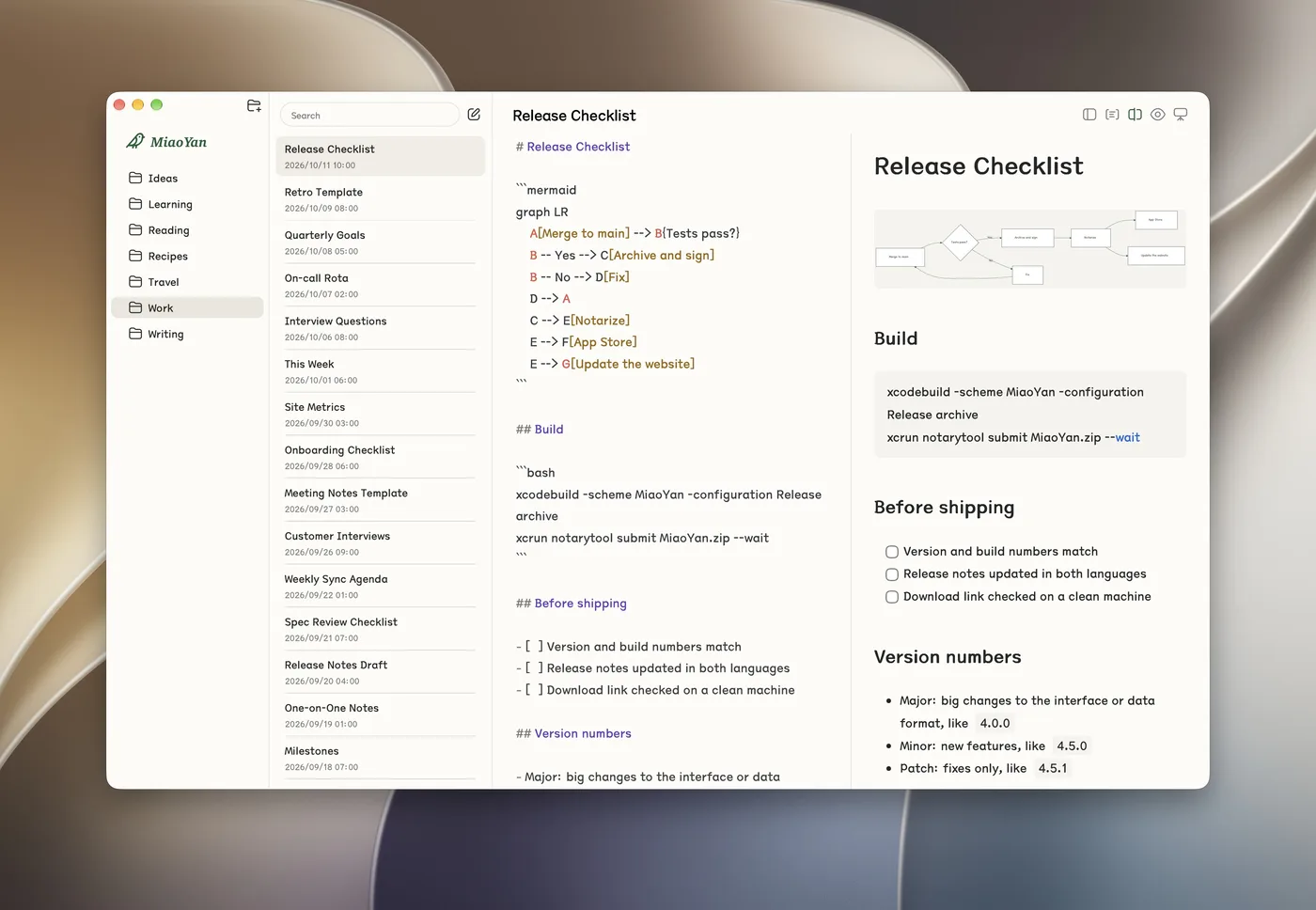
MiaoYan is a Markdown notebook for Mac, iPhone and iPad. Paste a web page or a document into a note in the Mac app and it arrives as Markdown the same way, headings, lists, tables and code included.
View in App Store