Mermaid timeline in Markdown: syntax, sections and examples
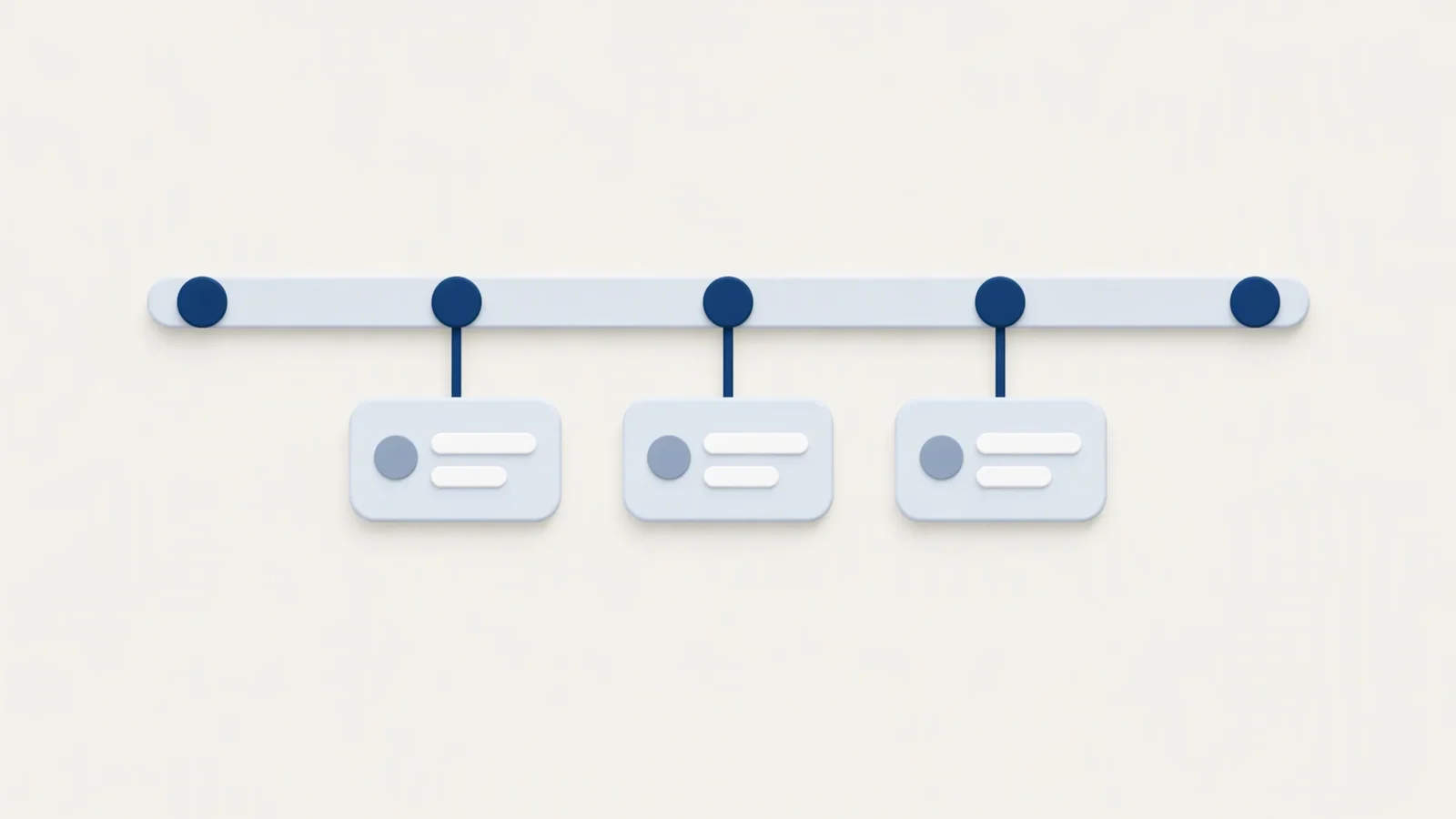
A Mermaid timeline starts with the word timeline, then lists one time period per line, each followed by a colon and one or more events. Put it in a fenced code block tagged mermaid and a Mermaid-aware preview draws it as a chain of periods with their events stacked underneath. It suits history, release notes and roadmaps where only the order matters. When you need real dates and durations, use a Gantt chart instead. This post covers the timeline syntax only; the other diagram types are in Mermaid in Markdown.
The smallest timeline
```mermaid
timeline
    title History of a note app
    2019 : First prototype
    2021 : Public beta : Dark mode
    2023 : Version 1.0
```
The pieces are:
timelineon the first line chooses the diagram type.titleis optional and sets the heading above the chart.- Each other line is
time period : event.
The Mermaid documentation says time periods and events are plain text, not limited to numbers, so 2021, Q3, Week 2 and Before launch are all valid. The first period appears at the left and the last at the right. Inside one period, the first event is at the top and the last at the bottom.
One period, several events
There are two ways to attach more than one event to a period. Chain them on one line with extra colons, or continue on the next lines with a leading colon:
```mermaid
timeline
    2021 : Public beta : Dark mode : Export to PDF
    2022 : Search
         : Tags
         : Folders in the sidebar
```
Both forms give one column with three events. The continuation form is easier to edit once a period has more than two events.
Sections
section followed by a name groups the periods below it, until the next section line. Periods and events in the same section share a colour. Periods written before any section go into a default section.
```mermaid
timeline
    title Note app roadmap
    section Foundations
        2019 : Prototype
        2020 : Markdown preview
    section Growth
        2021 : Public beta
        2022 : Search : Tags
        2023 : Version 1.0
```
Without sections, each period and its events get their own colour; with sections, colour marks the phase. The documentation says up to 12 sections get distinct colours and after that the colours repeat.
Text wrapping and line breaks
Long periods and events wrap on their own so the text stays inside its box. To choose where a line breaks, write <br>:
```mermaid
timeline
    section 2023 Q1 <br> Beta
        Editor : Split view : Mermaid <br> diagrams
    section 2023 Q2 <br> Release
        Launch : Dark mode
```
The documentation's examples use <br> in section names and in events.
Direction
Add LR or TD after timeline to set the direction. LR, left to right, is the default. TD stacks the periods top to bottom, which reads better on a narrow screen or when you have many periods:
```mermaid
timeline TD
    title Release history
    2022 : Search : Tags
    2023 : Version 1.0
```
The documentation marks direction as available from Mermaid v11.14.0. The Mermaid bundled in MiaoYan V4.9.0 is 11.14.0, and its timeline parser has rules for both timeline LR and timeline TD, so the keyword works there. An older Mermaid, for example the one in an older preview tool, will fail on it.
Colour and theme options
Three things change how a timeline is coloured.
One colour for everything. Set timeline.disableMulticolor to true and every period and event uses a single colour scheme. Mermaid's own example puts it in a frontmatter block at the top of the diagram:
```mermaid
---
config:
  theme: 'base'
  timeline:
    disableMulticolor: true
---
timeline
    2002 : LinkedIn
    2004 : Facebook : Google
```
The option is spelled disableMulticolor in the config example; the prose on the same page writes disableMultiColor, and the config spelling is the one the code uses. The bundled 11.14.0 reads timeline?.disableMulticolor.
Custom section colours. The theme variables cScale0 to cScale11 set background colours for sections or periods, and cScaleLabel0 to cScaleLabel11 set the matching text colours. Both appear in the bundled version. Set them under themeVariables in the same config block:
```mermaid
---
config:
  themeVariables:
    cScale0: '#ff0000'
    cScaleLabel0: '#ffffff'
---
timeline
    2002 : LinkedIn
    2004 : Facebook
```
Themes. The current documentation lists default, neutral, dark, forest, base, neo, neo-dark, redux, redux-dark, redux-color and redux-dark-color, with redux-color as the default. The bundled 11.14.0 contains the redux themes as well, but the docs page is written for Mermaid 12.3.0, so check a theme against your own preview before relying on it. MiaoYan's preview configures Mermaid with the neutral theme in light mode and dark in dark mode, and passes its own theme variables, so a frontmatter theme or themeVariables block can give different colours there than in Mermaid's examples. Check the diagram in both light and dark mode before relying on a colour.
A worked example: a product history
```mermaid
timeline
    title Notes app, 2019 to 2024
    section Prototype
        2019 : Idea in a notebook
             : First Markdown preview
        2020 : Closed test with 20 people
    section Public
        2021 : Public beta : Dark mode
        2022 : Search
             : Tags
             : Folders
    section Growth
        2023 : Version 1.0 : iPad app
        2024 : Sync between devices
```
Three sections keep the colours meaningful, continuation lines keep each year easy to edit, and each event is a short phrase. A timeline like this works as a one-screen summary above a longer changelog.
Timeline or Gantt
Use a timeline when the question is "what happened, and in what order". Periods are labels in the order you wrote them, not points on a scale.
Use a Gantt chart when the question is "how long, and what overlaps". A Gantt task has a start, an end or a duration, and the bars show overlap and dependencies with after <id>. A history of a product belongs in a timeline; a release schedule with owners and deadlines belongs in a Gantt chart. Both are covered with copy-ready blocks in Mermaid in Markdown.
How the parser reads a line
Knowing the lexer rules explains most errors. In the bundled 11.14.0 the parser treats text as follows:
- A line starting with
titleorsectiontakes the rest of the line. Asectionname cannot contain a colon. - An event starts with a colon followed by whitespace, and runs until the next colon followed by whitespace or the end of the line. A colon not followed by a space stays in the text, so
10:30is safe inside an event. - A time period is any text up to the first colon, and cannot contain
#. - A line starting with
#is a comment, and so is%%.
Common errors
- The block stays as code. Syntax errors make MiaoYan keep the fenced source in place instead of showing an error, so an unrendered block means something is wrong. Check the first word is
timelineand the fence tag is exactlymermaid. - An event splits in two. A colon followed by a space inside an event text starts a new event. Write
Launch - betaor put the colon without a space. - No space after the event colon. The event rule needs whitespace after the colon and no other rule accepts a bare colon, so
2021 :Betafails while2021 : Betaworks. timeline TDfails. The renderer is older than 11.14.0, or the word aftertimelineis neitherLRnorTD.- Colours repeat. The documentation says colours repeat after 12 sections.
To test, type /mermaid and press Tab in MiaoYan to insert a template, replace its body with a timeline, then press ⌘3 for the preview or ⌘\ for split view. Mermaid runs from the bundled script, so this works offline. Exported PDF and HTML come from the preview; see Markdown to PDF on Mac for page breaks, and Markdown to slides if the timeline is going into a deck. MiaoYan is on the App Store and its source is at github.com/tw93/MiaoYan.
FAQ
Is the Mermaid timeline experimental?
The current documentation page does not label it experimental, and says timeline loads on demand with no extra setup. Direction support is newer, from v11.14.0.
Can a timeline use real dates?
The periods are plain text, so you can write 2021-11-02, but Mermaid does not treat them as dates and does not space them by elapsed time. For scaled dates use a Gantt chart.
How many events can one period have?
The docs set no limit. In practice more than four or five make a tall column, so split the period or use timeline TD.