Mermaid gantt chart: dateFormat, sections and tasks
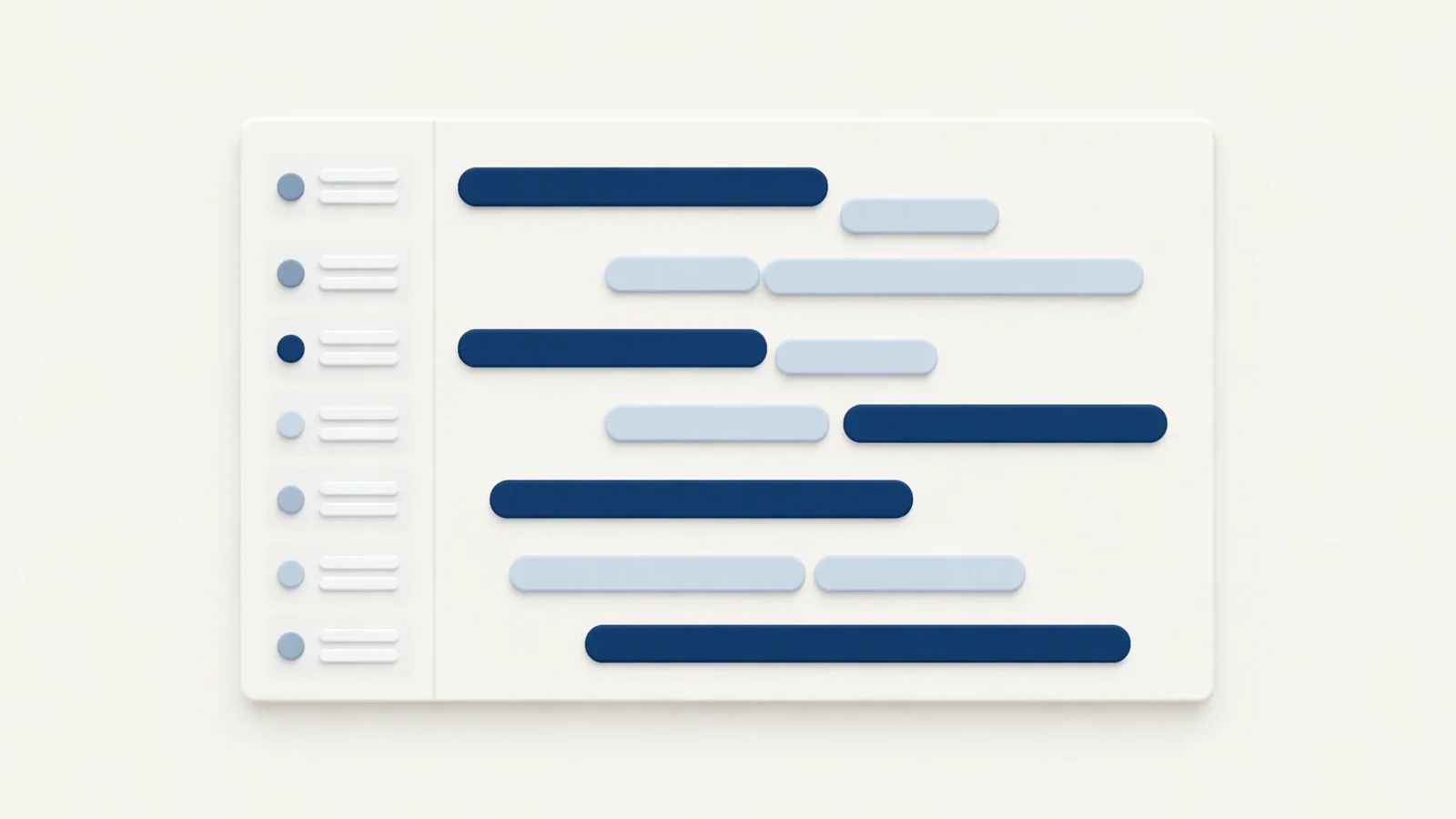
A Mermaid Gantt chart is a fenced code block tagged mermaid that starts with the word gantt. Set dateFormat to match the dates you type in task lines, add a section per phase, and write each task as Title :tags, id, start, length. dateFormat describes the input and axisFormat describes what the time axis prints, and mixing the two up is the most common reason a chart fails to render or comes out shifted. This post covers the full syntax of the Gantt type; for the other diagram types see Mermaid diagrams in Markdown.
A minimal chart
```mermaid
gantt
    title Release plan
    dateFormat YYYY-MM-DD
    section Build
    Design  :a1, 2026-11-02, 3d
    Develop :after a1, 5d
```
title is optional and sits above the chart. dateFormat tells the parser how to read dates, with YYYY-MM-DD as the default. Each section is a labelled group of rows and needs a name. Everything else is a task line: a title, a colon, then metadata. Comments go on their own line and start with %%.
Task syntax
Put together, a task line reads Title :[tags,] [id,] [start,] end-or-length. Tags come first and are optional, and what follows is read by how many items there are:
- One item is the end date, or a duration added to the previous task's end.
- Two items are the start and then the end or duration. The start is a date or
after <id>. - Three items are an id, a start, and an end or duration. Other tasks refer to the id.
Design   :done,   des, 2026-11-02, 3d
Develop  :active, dev, after des, 5d
Review   :crit,   rev, after dev, 2d
Launch   :milestone, 2026-11-14, 0d
The tags are done, active, crit and milestone. done marks a finished task, active the current one, crit a critical one, and milestone makes a single point in time instead of a bar. Mermaid 11.14.0 also lists vert as a tag, a vertical marker across the chart that takes no row, though the documentation page does not say when it arrived.
Tasks are sequential by default. A task with no start begins when the previous one ends, so you only write dates where the plan needs an anchor.
Durations and after
A duration is a number and a unit: ms, s, m, h, d, w, M or y, and decimals such as 1.5d parse, though Mermaid 11.14.0 rounds day and week durations to whole days, so 1.5d draws as two days and half a day is better written 12h. Note that m is minutes and capital M is months. An invalid duration is ignored and the task gets zero length, which is why a bar can vanish without any error.
after <id> starts a task when another one ends, and you can list several ids, as in after edit prev. The task then starts at the latest of their end dates, which is what you want for "testing begins when both are done". until <id> ends a task when another task or milestone starts; the documentation marks it as available since Mermaid 10.9.0.
dateFormat and axisFormat
These two lines do different jobs.
dateFormat is the input format. It uses Day.js tokens such as YYYY, MM, DD, HH, mm, X for Unix seconds and x for milliseconds. Write it to match your task lines exactly, so dateFormat DD/MM/YYYY goes with Design :a1, 02/11/2026, 3d.
axisFormat is the output format. It uses d3 time tokens, with a percent sign in front: %Y-%m-%d, %m/%d, %b %d, %H:%M. Its default is %Y-%m-%d, the full date. A long chart with the default format prints crowded full dates, and axisFormat %m/%d is usually enough:
dateFormat  YYYY-MM-DD
axisFormat  %b %d
The token families differ: YYYY belongs to dateFormat and %Y to axisFormat.
Tick spacing
tickInterval sets how far apart the axis labels sit. The pattern is a positive integer and a unit, from millisecond through second, minute, hour, day, week and month, for example 1week. The default is automatic spacing, and the option has existed since Mermaid 10.3.0, so the version in MiaoYan accepts it. Week ticks start on Sunday unless you add weekday monday.
axisFormat   %m/%d
tickInterval 1week
weekday      monday
Excluding weekends and days off
excludes weekends makes the bars skip Saturday and Sunday. You can also exclude a day name such as sunday, or specific dates in YYYY-MM-DD. Several values go on one line, separated by commas or spaces, as in excludes weekends, 2026-12-25, because in Mermaid 11.14.0 a second excludes line replaces the first. weekdays is not a valid value.
The effect on tasks has two sides. A day that falls inside a task stretches the bar to the right, so a 5d task that crosses a weekend ends two days later than it would otherwise. A day that falls between two sequential tasks is skipped, so the second one starts on the next working day.
If your week is not Saturday and Sunday, weekend friday or weekend saturday changes which two days count as the weekend. The documentation lists that for Mermaid 11.0.0 and later.
Marking today
A Gantt chart can show a vertical line at the current date, and todayMarker styles it with CSS-like values:
todayMarker stroke-width:3px,stroke:#d33,opacity:0.6
todayMarker off hides the line, which is useful in a plan that is not about the current week.
A full release plan
```mermaid
gantt
    title Release plan
    dateFormat YYYY-MM-DD
    axisFormat %m/%d
    excludes weekends
    section Build
    Spec frozen      :done,   spec, 2026-11-02, 3d
    Editor work      :active, edit, after spec, 8d
    Preview work     :prev, after spec, 6d
    section Test
    Beta             :crit, beta, after edit prev, 5d
    Fix feedback     :fix, after beta, 3d
    section Ship
    Notarize         :crit, note, after fix, 2d
    Release          :milestone, rel, after note, 0d
```
Editor work and Preview work both start when spec ends, so they run in parallel. Beta waits for the later of the two. excludes weekends pushes every bar across Saturdays and Sundays, and the 8d editor task therefore lasts longer than eight calendar days. The milestone takes zero days and appears as a single marker on the day the notarize step ends. Change one duration and everything after it moves, which is the reason to use after <id> rather than typing every date.
How it actually works
A fenced block with the language mermaid is plain text to the Markdown parser. Your preview finds it after the page loads and hands the text to the Mermaid library, which parses the Gantt grammar, resolves every after reference into dates, applies the exclusions and draws an SVG.
MiaoYan V4.9.0 bundles Mermaid 11.14.0 and runs it from files inside the app, so Gantt charts render without a network connection. The Gantt grammar in that bundled file includes tickInterval, weekend, until, todayMarker and the vert tag. Syntax added in a later Mermaid release is not, so test a new option with a small chart first.
Common errors
- The bars sit at the wrong dates, or the chart does not render.
dateFormatprobably does not match the dates in the task lines. When a date does not fitdateFormat, Mermaid falls back to the browser's own date parsing, so02/11/2026underdateFormat YYYY-MM-DDlands on February 11, and a date neither can read is an error. Compare character by character, including separators and zero padding. - The diagram stays as code. A syntax error stops rendering, and MiaoYan keeps the original fenced source in place when that happens. Look for a missing colon between a task title and its metadata, or a date that matches no format.
- A task appears at the wrong place. Check the id in
after: an id that matches no task does not raise an error, it starts the task on today's date. Keep ids short, single words, and spell them the same in both places. - A bar is missing. Look at the duration unit.
5mis five minutes, not five months. - Dates shifted after excluding weekends. That is expected: excluded days stretch bars and skip gaps, as described above.
- Axis labels crowd together. Set
axisFormat %m/%dandtickInterval 1week. - An option has no effect. It may have arrived after the bundled version. Check the version note in the Mermaid documentation.
To confirm the chart works, paste the full plan above into a note, switch to preview with ⌘3 or open split view with ⌘\, and check that Preview work and Editor work start on the same date.
If the diagram is a plan that people will present, Markdown to slides covers turning a note into a deck, and Markdown to PDF on Mac covers exporting it. MiaoYan is on the App Store, and its source is at github.com/tw93/MiaoYan.
FAQ
What is the difference between dateFormat and axisFormat?
dateFormat is how you write dates in task lines. axisFormat is how the timeline prints them.
How do I make a task start after another one?
Give the first task an id and write after <id> as the second task's start. Several ids work, and the task starts after the last of them ends.
How do I skip weekends in a Mermaid Gantt chart?
Add excludes weekends under dateFormat. Bars stretch across the days they skip.
Can a Gantt chart show hours?
Yes. Use a dateFormat with time tokens such as YYYY-MM-DD HH:mm, durations in h or m, and an axisFormat such as %H:%M.