Markdown horizontal line: ---, *** and ___
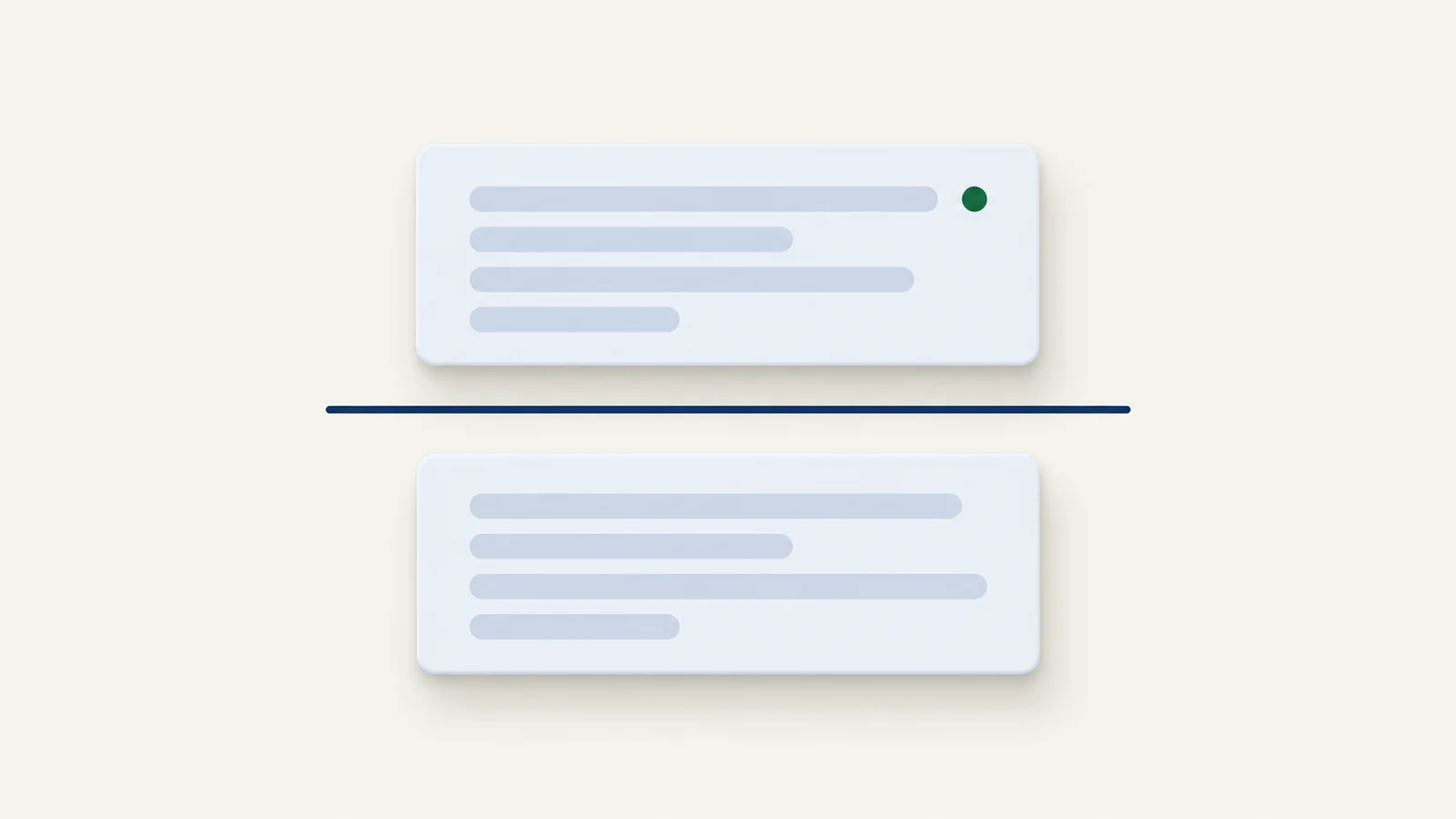
Put ---, *** or ___ on a line of its own and keep a blank line above it. All three draw the same horizontal line (CommonMark calls it a thematic break), but --- has a trap: directly under a line of text it turns that text into a heading instead. In MiaoYan V4.5.0 there are two more things to know, because the same --- line is also the slide separator in PPT mode and the fence of front matter at the top of a note.
The three forms
Above the line.

---

***

___

Below the line.
The CommonMark spec says a thematic break is a line of three or more matching -, _ or * characters, with up to three spaces of indentation in front, and nothing else on the line except spaces or tabs. Its own examples show that spaces between the characters are fine, so - - - and * * * are rules too, and so is a line of 37 underscores. Mixed characters are not: the spec requires all the characters other than spaces or tabs to be the same.
What does not work is just as specific. -- and ** are too short and stay plain text. +++ is not a rule. A line with extra characters, such as ---a--- or a------, is an ordinary paragraph. Four or more spaces of indentation turn the line into code or a continuation of the paragraph above.
GitHub's rendering follows the GitHub Flavored Markdown spec, which lists the same three forms in its example for thematic breaks. GitHub's own page on basic writing and formatting syntax does not mention horizontal rules at all, so the spec is the reference to check.
The setext trap
Section one
---

Next paragraph.
This is not a paragraph followed by a line. In CommonMark, a line of text with --- directly below it is a setext heading, so "Section one" becomes an <h2>. The spec's example is a line Foo, then ---, then bar, and it renders <h2>Foo</h2> followed by <p>bar</p>. The heading reading wins over the rule reading. The same happens with === under a line of text, which makes an <h1>; on a line of its own, === is plain text, not a rule.
The fix is a blank line above the dashes. Make the blank line a habit; the spec does not require it, but it removes the ambiguity. If you do not want to think about it at all, use ***: under a line of text it is a rule, and the spec's example of Foo, ***, bar gives a paragraph, an <hr /> and another paragraph.
Lists have their own rule. A line that could be a list marker or a rule is a rule: * * * is a rule, not an empty bullet. If you want a rule inside a list item, the spec's advice is to use a different bullet from the list's, such as - * * *. A --- right under a - item ends the list and draws a rule, rather than making the item a heading, per the spec's example.
Writing it as HTML
<hr>
Markdown allows raw HTML, and <hr> is the element that all three Markdown forms produce. MiaoYan's preview passes raw HTML through, because it renders with cmark-gfm's unsafe option on, so <hr> works there. Some publishing platforms filter raw HTML out. On those, the Markdown form is the safer one.
Markdown has no syntax for a class or inline style on a rule, so HTML is the only way to attach one, and whether it survives depends on the renderer's HTML filter.
How MiaoYan draws it
MiaoYan V4.5.0 renders notes with cmark-gfm, then shows the HTML in a web view. The line comes out as an <hr> element, and the preview stylesheet (typography.css in the bundled DownView resources) gives it a height of 1 pixel, no border, a background taken from the theme's border color, and a margin of 1.6em above and below. In the light theme that color is #e6e6e6 and in the dark theme #454545, so the line stays quiet in both.
For your own pages, styling a rule is a CSS job, not a Markdown one:
hr {
  border: 0;
  height: 1px;
  margin: 2em 0;
  background: #d0d0d0;
}
Two other jobs for --- in MiaoYan
Slide separator
In PPT mode (Command + Option + P), MiaoYan hands the note to reveal.js, whose Markdown plugin splits slides on the pattern \r?\n---\r?\n, a --- line with a newline on each side. That has three consequences. A --- line becomes a slide boundary, so you cannot use it as a divider inside a slide. A ---- line or a --- followed by a space does not match the pattern. And the setext trap disappears in slide mode, because the split happens before the parser sees the line: text directly above --- is the end of a slide, not a heading.
***, ___ and <hr> are not matched by that pattern, so they stay inside the slide and go to reveal's Markdown renderer like any other line, which makes them the forms to try when you want a divider inside one slide. Check the slide in PPT mode before presenting. The deck workflow is in Markdown to slides.
The shortcut only checks that the note contains the text --- somewhere. A table divider row such as |---|---| contains it, so a note with a table and no real separator still starts PPT mode.
Front matter fence
A note whose first line is --- is treated as front matter up to the next line that begins with three dashes. If that line is exactly ---, MiaoYan hides everything between the two lines in the preview, PPT mode and exports; if it is ---- or has more text after the dashes, nothing is hidden. Three dashes in the middle of a note stay an ordinary rule. This is why a note that opens with a decorative --- loses its first section; open with a title or use *** for the top line. The full rules are in Markdown front matter.
When the line does not show up
- A heading appears instead of a line. There is text directly above
---. Add a blank line, or switch to***. - The line is literal text. There are fewer than three characters, mixed characters, other characters on the line, or four spaces of indentation.
- The top of the note vanished. The note starts with
---and a later line is exactly---, so everything between was read as front matter. - A slide split in the wrong place. In PPT mode every
---line is a boundary. Replace dividers with***or<hr>. - No line in an app other than MiaoYan. The renderer may filter raw
<hr>. Use---with a blank line above it.
For the broader picture of what CommonMark and GFM each define, see CommonMark vs GFM, and for the rest of the syntax, the Markdown cheat sheet.
FAQ
Which of the three should I use?
--- is the most common and reads best in plain text. Use *** when the line might sit under a paragraph, since it cannot become a heading.
Can I make a rule thicker or colored in Markdown?
No. Markdown has no syntax for it. Style hr in the CSS of the page that shows the HTML.
Why does my --- become a big heading?
It sits directly under a line of text, which CommonMark reads as a setext heading underline. Add a blank line between them.